
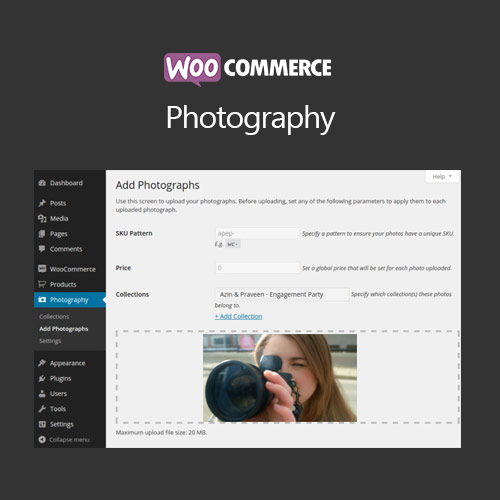

WooCommerce Photography enhances product image management for photographers and visual artists. Display high-resolution images, galleries, and portfolios with optimized layouts for an immersive shopping experience.
This is EXACTLY the same product as distributed by the developer. Sales Page
WooCommerce Photography – Introduction
WooCommerce Photography focuses on showcasing high-quality images and portfolios for photographers and creatives. It provides optimized image layouts, galleries, and advanced display options to attract customers and improve product presentation.
Key Features
- High-resolution image support: Display large, detailed product photos.
- Custom galleries: Create multiple image galleries for products.
- Zoom and lightbox: Allow customers to view images in detail.
- Responsive layouts: Ensure images display correctly on all devices.
- Optimized performance: Compress images without losing quality for faster loading.
- Portfolio integration: Showcase work as portfolios or collections.
- Enhanced product presentation: Improve visual appeal and user engagement.
- Supports variable products: Display multiple image variations per product.
- Easy customization: Adjust gallery styles, columns, and transitions.
- Boosts conversions: Better visual representation encourages purchases.
Getting Started
- Install and activate WooCommerce Photography plugin.
- Add high-resolution images to products or galleries.
- Customize gallery layout, columns, and lightbox options.
- Test images on desktop and mobile devices.
- Adjust settings for optimal performance and visual appeal.
Summary
WooCommerce Photography enhances product image presentation for visual creators, providing galleries, high-resolution displays, and optimized layouts to improve engagement and boost conversions.
- Categories: WooCommerce
- Tags: WooCommerce
