
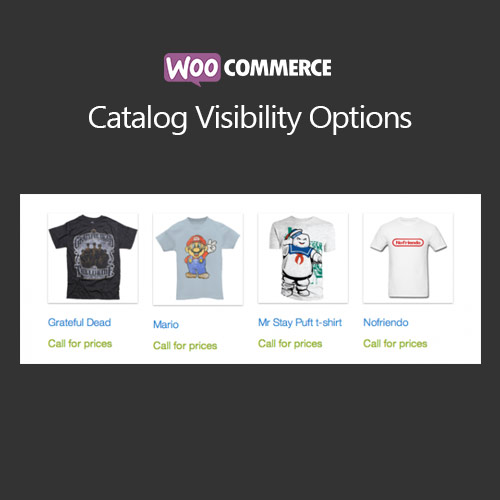

WooCommerce Catalog Visibility Options allows store owners to control product visibility across their storefront. You can hide prices, hide products from specific users, switch the shop into catalog mode, and control search and category listings. This plugin is ideal for B2B stores, wholesale-only shops, or stores with private product lines. It gives flexibility over what customers see and when, enhancing targeted marketing and customer experience.
This is EXACTLY the same product as distributed by the developer. Sales Page
WooCommerce Catalog Visibility Options – Introduction
WooCommerce Catalog Visibility Options provides a powerful way to manage product visibility and access in your WooCommerce store. By default, WooCommerce displays all products publicly, but many stores need more control—for example, B2B businesses, wholesale shops, or stores with private catalogs. This plugin allows you to hide prices, restrict products to logged-in users, or entirely convert your store into catalog mode where customers can browse but not purchase.
With its intuitive interface, you can target specific customer roles, user groups, or individual products to ensure only the intended audience sees them. It also supports hiding products from search results and categories, giving a refined shopping experience while maintaining backend control. This plugin is ideal for private sales, member-only catalogs, or staged launches.
Key Features
- Catalog Mode: Convert your WooCommerce store into a full catalog mode by hiding “Add to Cart” buttons while displaying product details.
- Hide Prices: Remove prices globally, per product, or per user role to encourage inquiries or controlled sales.
- Role-Based Visibility: Restrict products and prices based on customer roles, ensuring only approved users can view sensitive items.
- Hide Products from Search & Categories: Keep certain products from appearing in category listings or search results for a cleaner storefront.
- Custom Messages: Display tailored messages for hidden products, such as “Login to view price” or “Contact us for details.”
- Private & Members-Only Products: Restrict access to private catalogs for specific groups or subscribers.
- Quick Global Control: Enable or disable catalog mode or price hiding with a single toggle in the settings panel.
- Seamless Theme Compatibility: Works with all WooCommerce-compatible themes without styling conflicts.
Getting Started
- Install and activate WooCommerce Catalog Visibility Options.
- Go to the plugin settings under WooCommerce → Catalog Visibility.
- Enable catalog mode or hide prices globally or per product.
- Assign role-based visibility for specific products.
- Test the storefront in a guest and logged-in view to ensure settings work as intended.
Summary
WooCommerce Catalog Visibility Options is essential for stores that need control over what products and prices customers see. By combining catalog mode, role-based restrictions, and search/category hiding, it offers a flexible, professional solution for B2B, wholesale, or private storefronts. This plugin ensures your products are presented strategically, improving customer targeting and conversion opportunities.
- Categories: WooCommerce
- Tags: WooCommerce
