
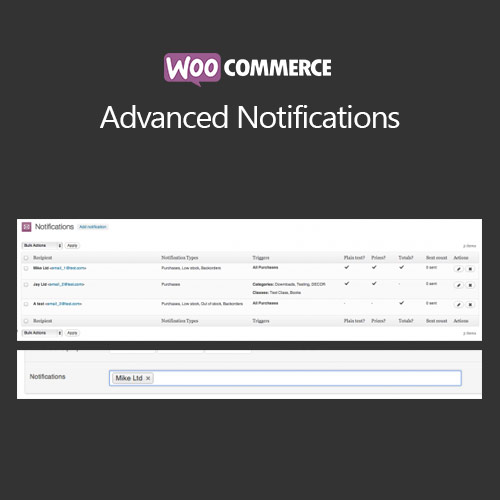

WooCommerce Advanced Notifications allows store owners to send automated, customized email notifications to multiple recipients when orders are placed or updated. Ideal for multi-vendor setups, dropshipping stores, or internal team alerts, this plugin ensures timely communication with suppliers, warehouse teams, or partners. With flexible recipient rules, multiple notification triggers, and detailed order data, it streamlines order management and improves operational efficiency.
This is EXACTLY the same product as distributed by the developer. Sales Page
WooCommerce Advanced Notifications – Introduction
WooCommerce Advanced Notifications is designed to automate order-related communications for store owners, suppliers, or internal teams. While WooCommerce provides basic order notifications, this plugin extends functionality to send customized alerts to multiple recipients based on products, categories, or order statuses. It is perfect for dropshipping operations, multi-vendor stores, or businesses needing internal workflow notifications.
The plugin allows defining notification rules, selecting recipients, and customizing email templates. It supports sending detailed order information, including product details, quantities, shipping addresses, and customer notes. By automating these notifications, stores can reduce errors, improve supplier communication, and ensure orders are processed efficiently.
Key Features
- Multiple Recipients: Send notifications to multiple emails based on product, category, or order criteria.
- Custom Email Templates: Tailor email content to match branding or supplier requirements.
- Flexible Triggers: Trigger notifications on new orders, order status changes, or specific product purchases.
- Product & Category Targeting: Notify relevant parties only for specific products or categories.
- Detailed Order Information: Include complete order details such as quantities, customer notes, and shipping info.
- Improved Workflow: Automates communication to reduce manual intervention and errors.
- Compatibility: Works with standard WooCommerce orders, variable products, and subscriptions.
- Responsive Emails: Emails display correctly across devices and email clients.
Getting Started
- Install and activate WooCommerce Advanced Notifications.
- Go to WooCommerce → Notifications in the admin dashboard.
- Create a new notification and select products, categories, or order statuses for triggering.
- Enter recipient emails and customize the email template.
- Save the notification and test with sample orders.
- Monitor notifications to ensure they are being sent correctly.
Summary
WooCommerce Advanced Notifications improves operational efficiency by automating order-related emails to multiple recipients. With flexible triggers, product/category targeting, and detailed order information, the plugin is ideal for dropshipping, multi-vendor stores, and internal team alerts. It reduces errors, streamlines workflow, and ensures timely communication with suppliers or team members, enhancing order processing and customer satisfaction.
- Categories: WooCommerce
- Tags: WooCommerce
