
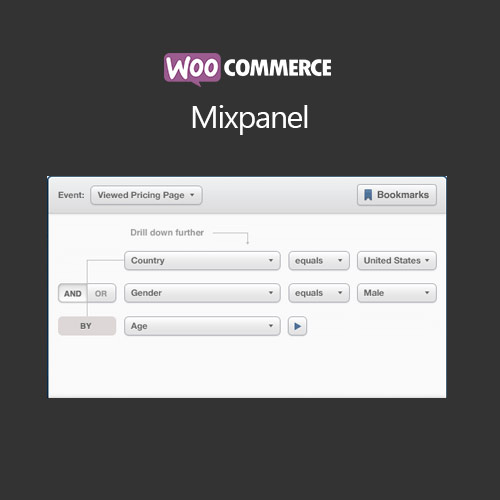

WooCommerce Mixpanel plugin integrates Mixpanel analytics into WooCommerce, allowing store owners to track user behavior, conversion rates, and customer engagement. With advanced event tracking, it provides insights into product performance, checkout funnels, and marketing campaigns. The plugin helps optimize store performance, improve marketing strategies, and boost conversions by providing actionable analytics directly from WooCommerce.
This is EXACTLY the same product as distributed by the developer. Sales Page
WooCommerce Mixpanel – Introduction
WooCommerce Mixpanel enables store owners to connect their WooCommerce store to Mixpanel analytics, providing detailed insights into customer behavior, sales trends, and product performance. The plugin tracks events such as product views, add-to-cart actions, checkout steps, and completed orders, offering a comprehensive overview of user interactions.
By analyzing these metrics, merchants can optimize marketing strategies, identify drop-off points, and enhance overall store performance. Mixpanel integration helps data-driven decision-making, improving conversions and revenue.
Key Features
- Advanced Event Tracking: Monitor product views, add-to-cart actions, checkout steps, and order completions.
- Conversion Analysis: Identify bottlenecks and optimize checkout funnels.
- Customer Insights: Understand behavior, preferences, and engagement patterns.
- Marketing Optimization: Track campaign effectiveness and improve ROI.
- Product Performance: Analyze top-selling and underperforming products.
- WooCommerce Integration: Fully compatible with all products, themes, and checkout pages.
- Custom Event Mapping: Map WooCommerce actions to custom Mixpanel events.
- Reports & Dashboards: View analytics directly in Mixpanel for actionable insights.
Getting Started
- Install and activate WooCommerce Mixpanel plugin.
- Navigate to WooCommerce → Settings → Integration → Mixpanel.
- Enter your Mixpanel API key and project token.
- Select which WooCommerce events to track.
- Test events and ensure proper tracking in Mixpanel.
- Analyze reports and optimize store performance based on insights.
Summary
WooCommerce Mixpanel provides advanced analytics and event tracking for WooCommerce stores. By monitoring customer behavior, conversion rates, and product performance, it allows merchants to optimize marketing strategies, improve user experience, and boost sales through actionable insights.
- Categories: WooCommerce
- Tags: WooCommerce
